Customer panel, port 2083
bPanel: the customer panel
The panel your hosting customers sign in to. A cPanel-like workflow, with the isolation, backup and security work already done underneath.
Highlights
SSL certificates
Issue and install SSL certificates for hosted domains.
PHP and application selector
Choose the PHP version and application runtime per account, with opcache memory counted in the account's limit.
Restore files, mail, databases or whole accounts
Admins and customers browse a snapshot and restore; customer file restores never overwrite existing files.
Browser terminal
A root terminal in the admin panel and an account-user terminal in the account panel.
Everything customers get
26 features, grouped by area. Badges show anything that is not generally available yet.
Hosting basics
- Account password change
One password change updates the system login, MySQL main user, FTP entry and active sessions together.
- File manager
Browse, upload, edit and move files in the account home from the browser.
- Cron jobs
Customers schedule their own cron jobs; they run inside the account's resource limits.
- FTP accounts
FTP accounts per hosting account, kept in step with password changes.
- SSL certificates
Issue and install SSL certificates for hosted domains.
- DNS zone editor
Edit DNS zones for hosted domains in the panel.
- Addon domains and subdomainsBeta
Add and manage addon domains and subdomains inside an account.
Beta: Addon domains dropped by the cPanel Transfer Tool are covered in the converter notes.
- Two-factor sign-inBeta
TOTP two-factor sign-in with an admin policy to enforce it.
- Email accounts
Create and manage mailboxes for hosted domains.
- Roundcube webmail
Roundcube webmail on port 2096 with single sign-on from the panel.
- BoxTrapper spam challengeBeta
Challenge-response spam filter for mailboxes.
Databases
- MySQL databases and users
Create databases and users, with per-account quotas.
- phpMyAdmin
phpMyAdmin is served from the panel with single sign-on.
- PostgreSQL databasesBeta
Create PostgreSQL databases and users next to MySQL/MariaDB.
API and integrations
- UAPI and API2 compatibility
UAPI and API2 answer with the cPanel response envelope, including the /execute route.
Isolation
- PHP and application selectorBeta
Choose the PHP version and application runtime per account, with opcache memory counted in the account's limit.
Beta: PHP 5.6 to 7.3 is not supported.
Backup
- Restore files, mail, databases or whole accountsBeta
Admins and customers browse a snapshot and restore; customer file restores never overwrite existing files.
Platform
- LocalesBeta
Translation catalogues with English fallback, a language picker, and XML or JSON import.
- Browser terminalBeta
A root terminal in the admin panel and an account-user terminal in the account panel.
ASP / ASP.NET
- ASP.NET Core hostingComing soon
Run ASP.NET Core applications per account beside PHP sites on one server.
- Classic ASP.NET on Linux (Mono)Coming soon
Opt-in Mono runtime for classic ASP.NET applications on Linux.
- SQL Server Express databasesComing soon
SQL Server Express databases with quotas, per-account limits and a web admin.
Coming soon: SQL Server editions above Express are licensed separately.
Apps and sites
- WordPress managerBeta
Install, list and manage WordPress sites per account, with an admin-side overview.
- Git version controlBeta
Create and clone Git repositories in the account and deploy from them.
- Team sub-usersBeta
Give team members their own login with limited rights to one account.
- Web Disk (WebDAV)Beta
Mount the account's files as a network drive over WebDAV.
Screenshots
Captured from our demo server. Addresses and hostnames are replaced with documentation values.
-
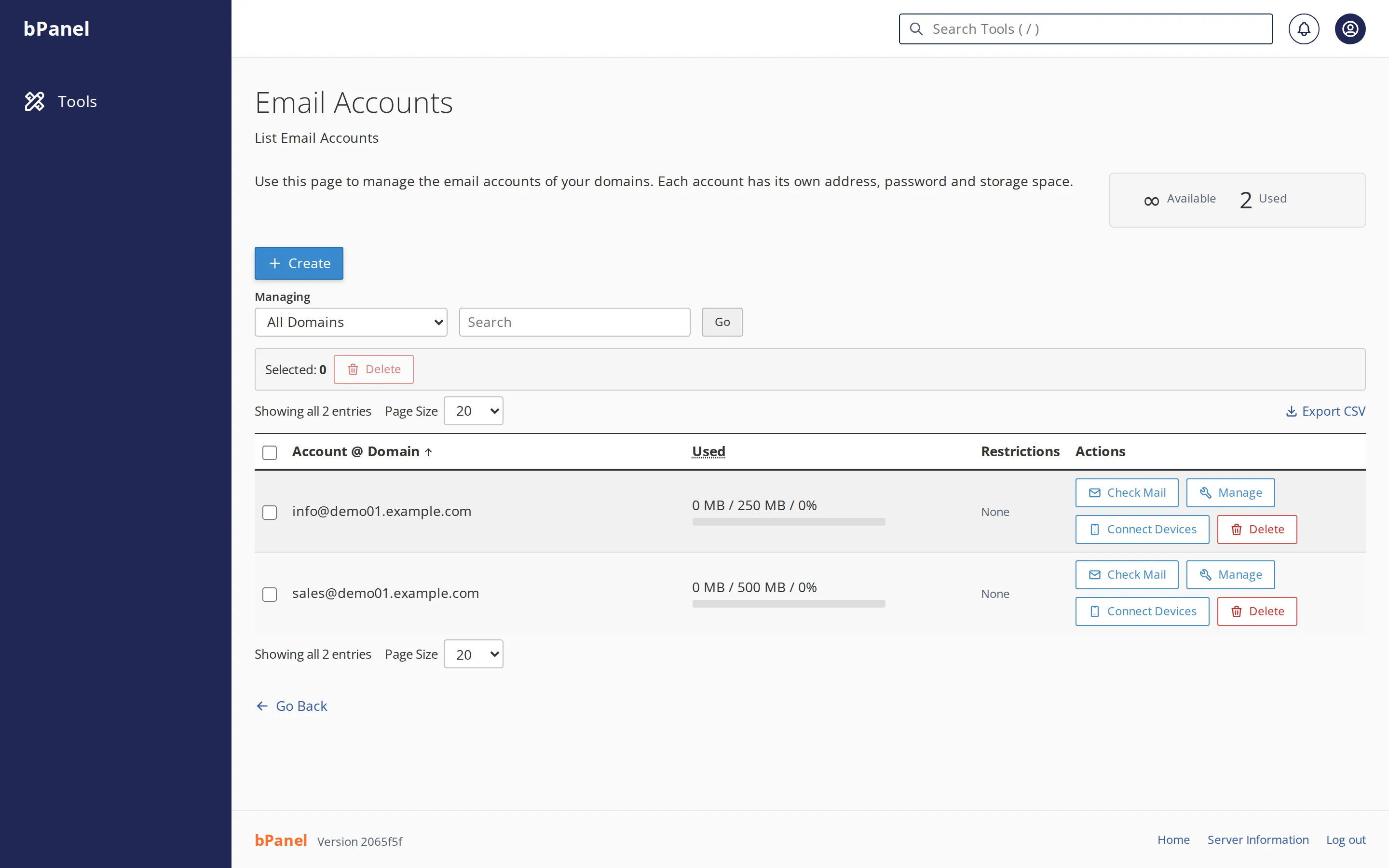
Email Accounts -
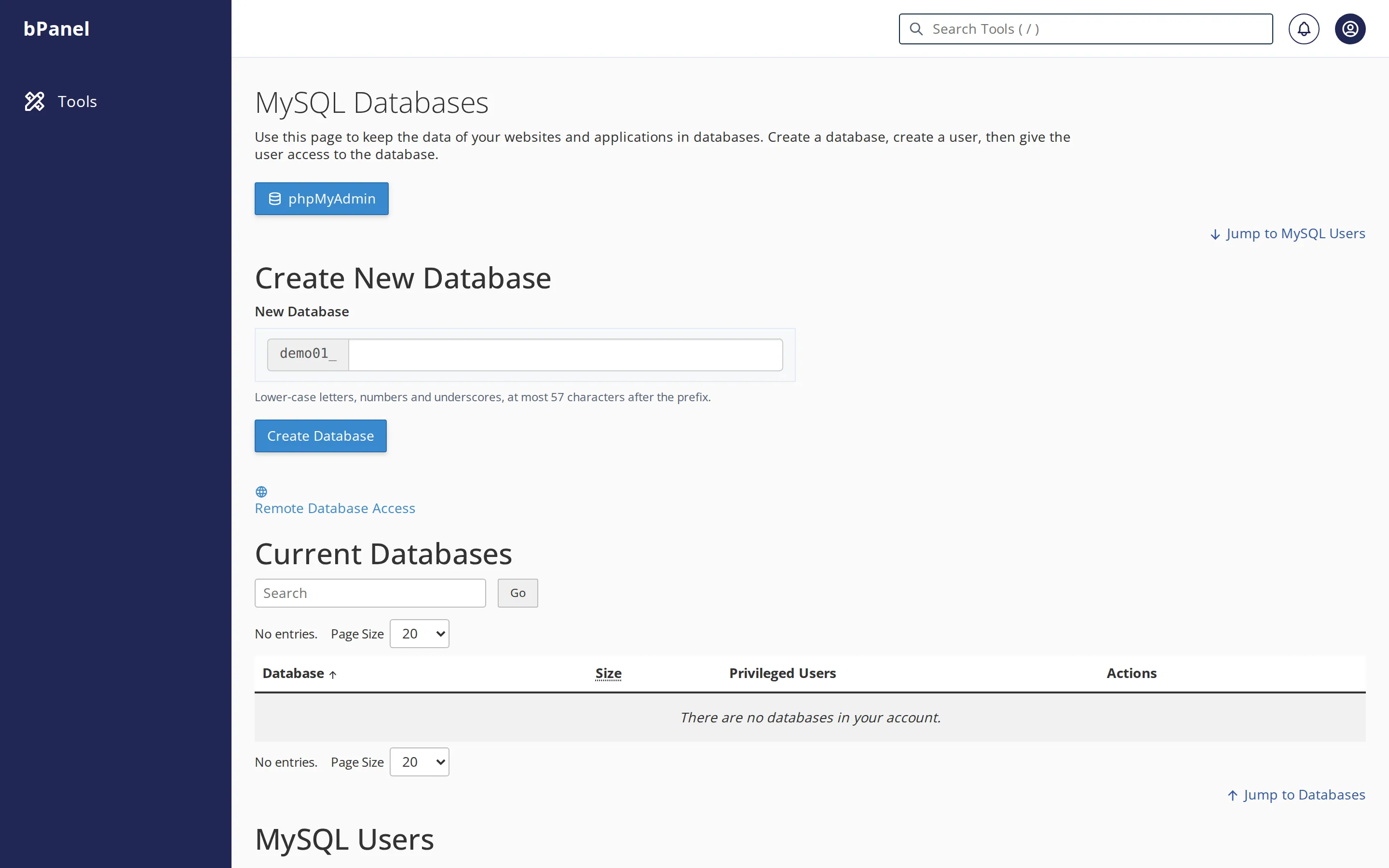
MySQL Databases -
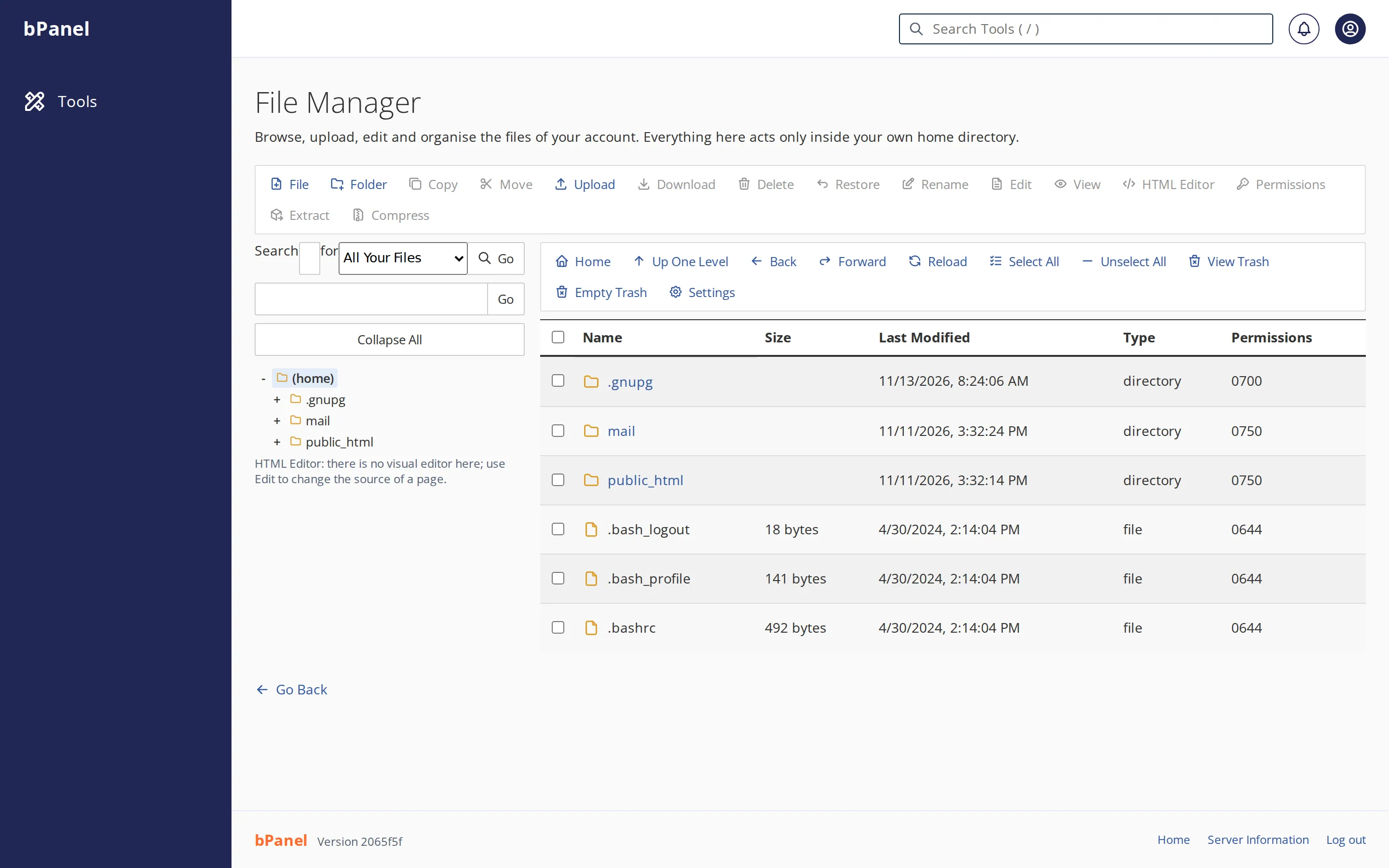
File Manager -
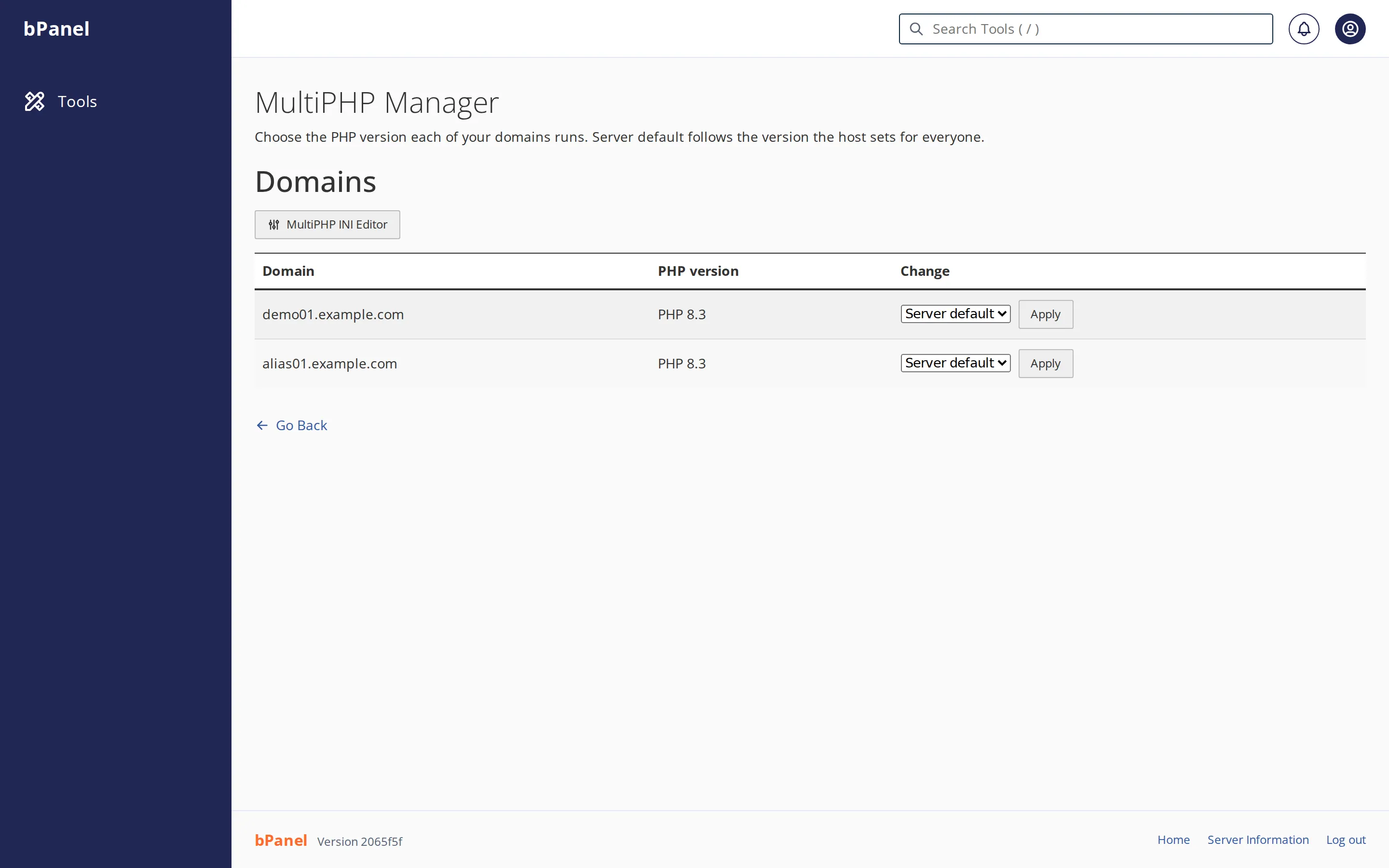
MultiPHP Manager -
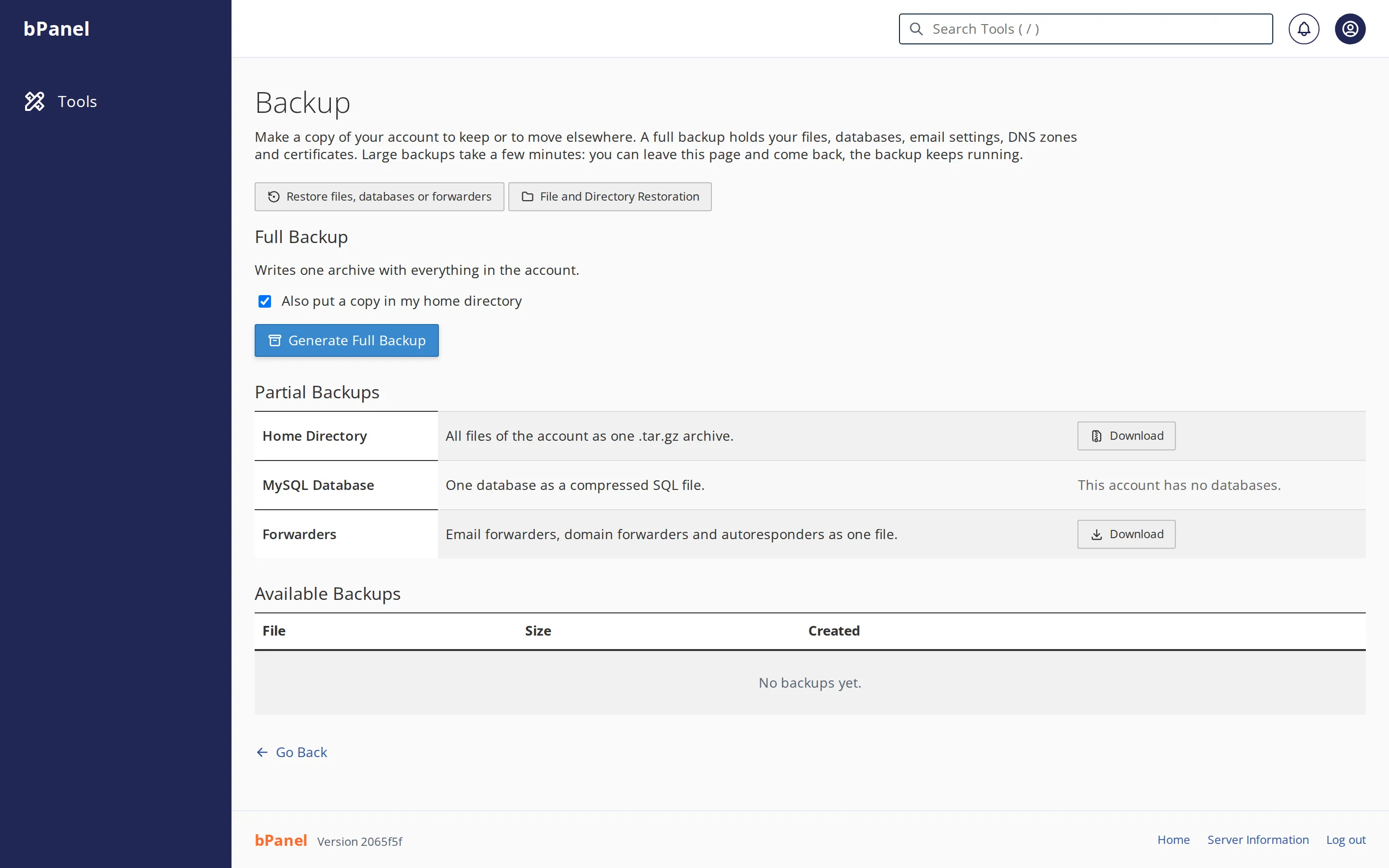
Backup and restore -
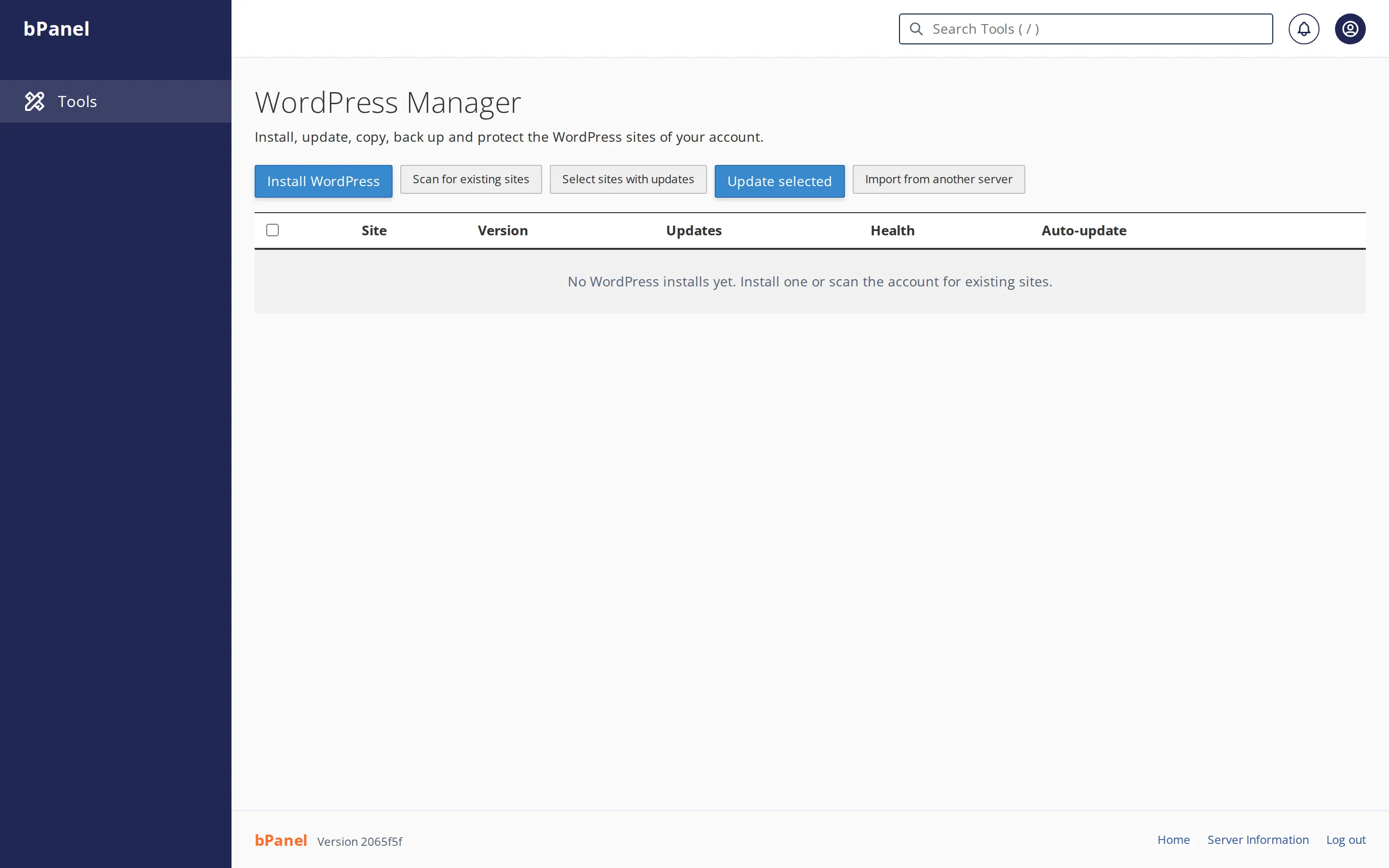
WordPress Manager
One licence instead of four.
Free for 12 months for early adopters, then US$15 per server per month. Not a cPanel clone: the jobs of CloudLinux, JetBackup and Imunify360 are built in.