bPanel customer
The account panel your hosting customers use.
- URL
-
https://demo.getbpanel.com:2083 - Username
demo- Password
- Shown when the demo opens
Placeholder values until the demo opens.
demo
Look at the customer panel, the reseller view and the admin view, with a public demo login.
The live demo is not open yet. Until it is, the guided tour below walks through six steps and compares each with the cPanel workflow. The logins shown further down are placeholders and will work once the demo opens.
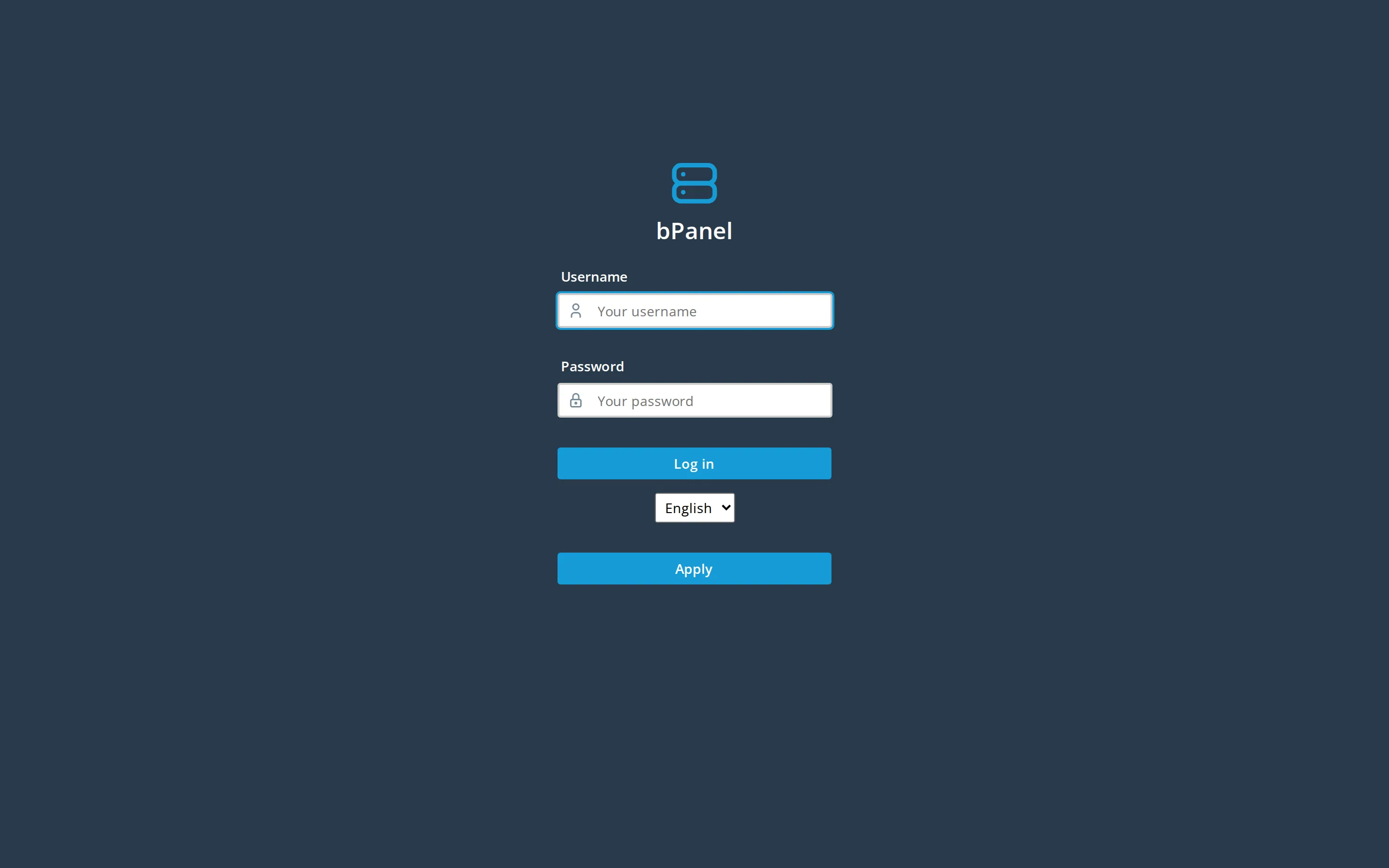
cPanel workflow. In cPanel, you sign in to WHM on its own port as root or a reseller.
bPanel. bPanel keeps the same split: BMH Manager for admins and resellers, the bPanel account panel for customers.
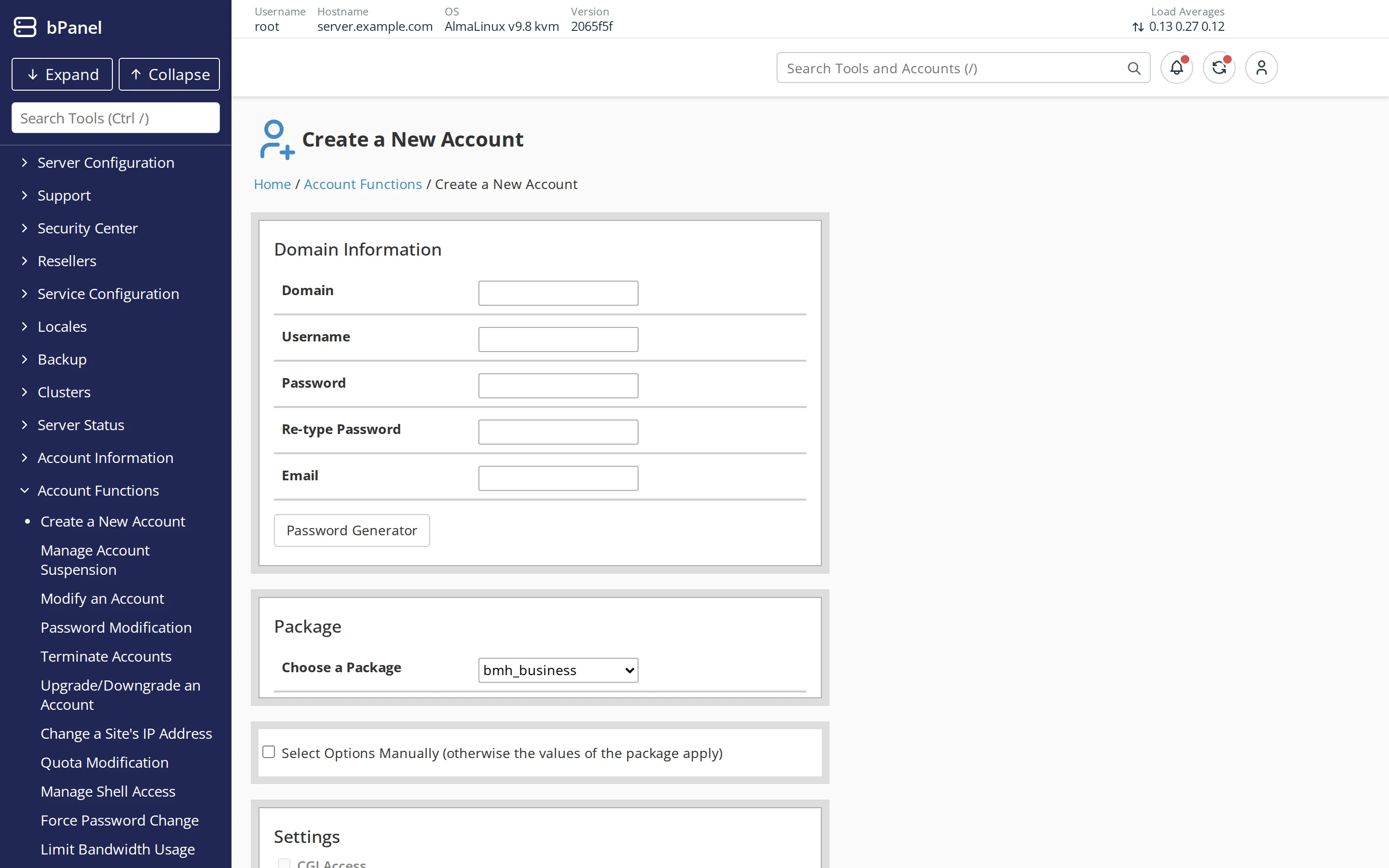
cPanel workflow. In WHM you open Create a New Account, pick a package and fill in the domain and user.
bPanel. The flow is the same: choose a package, domain and user, and the account is created.
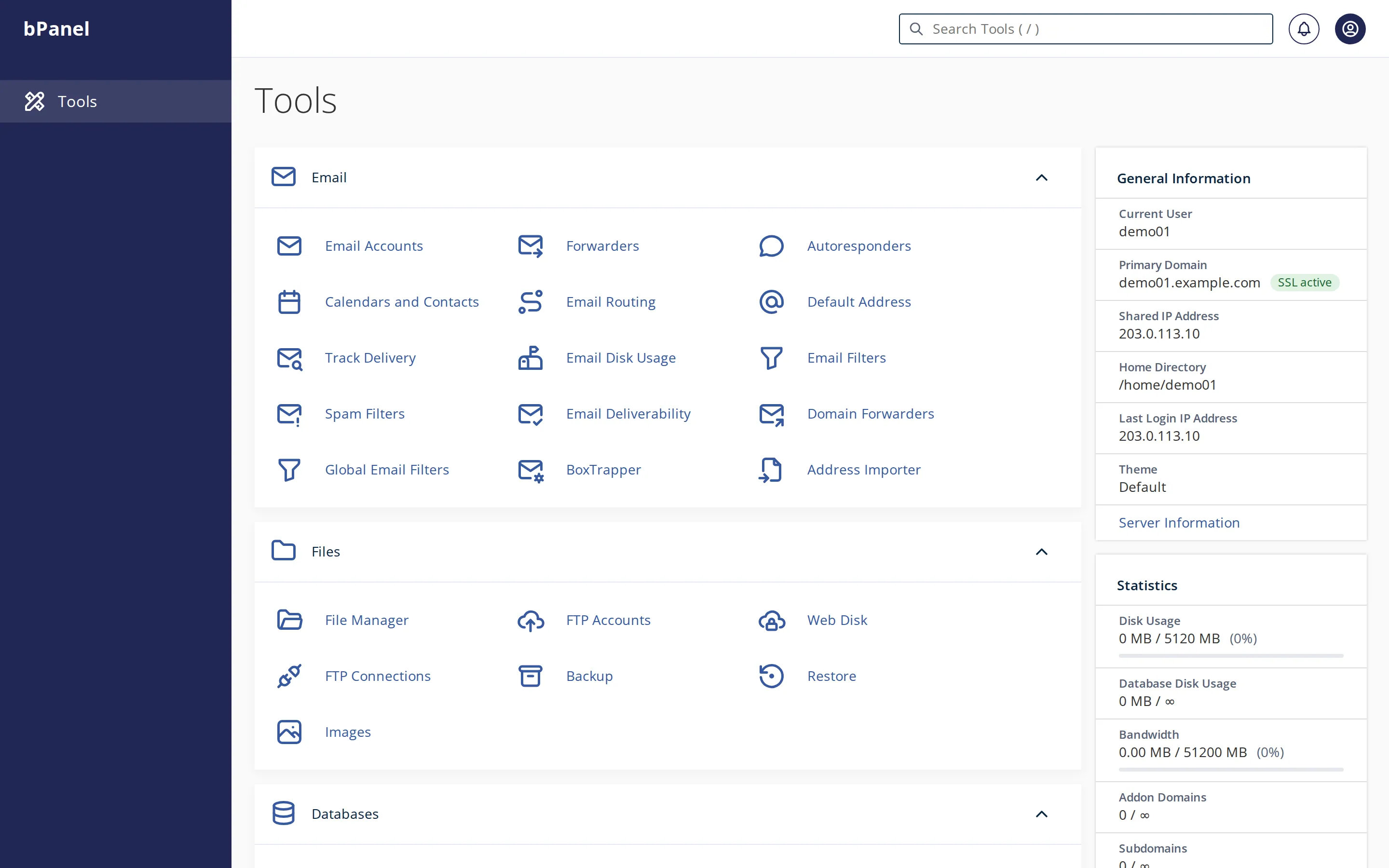
cPanel workflow. In cPanel, the customer sees an icon dashboard for domains, files, email and databases.
bPanel. bPanel gives the customer the same kind of dashboard, so your users do not need retraining.
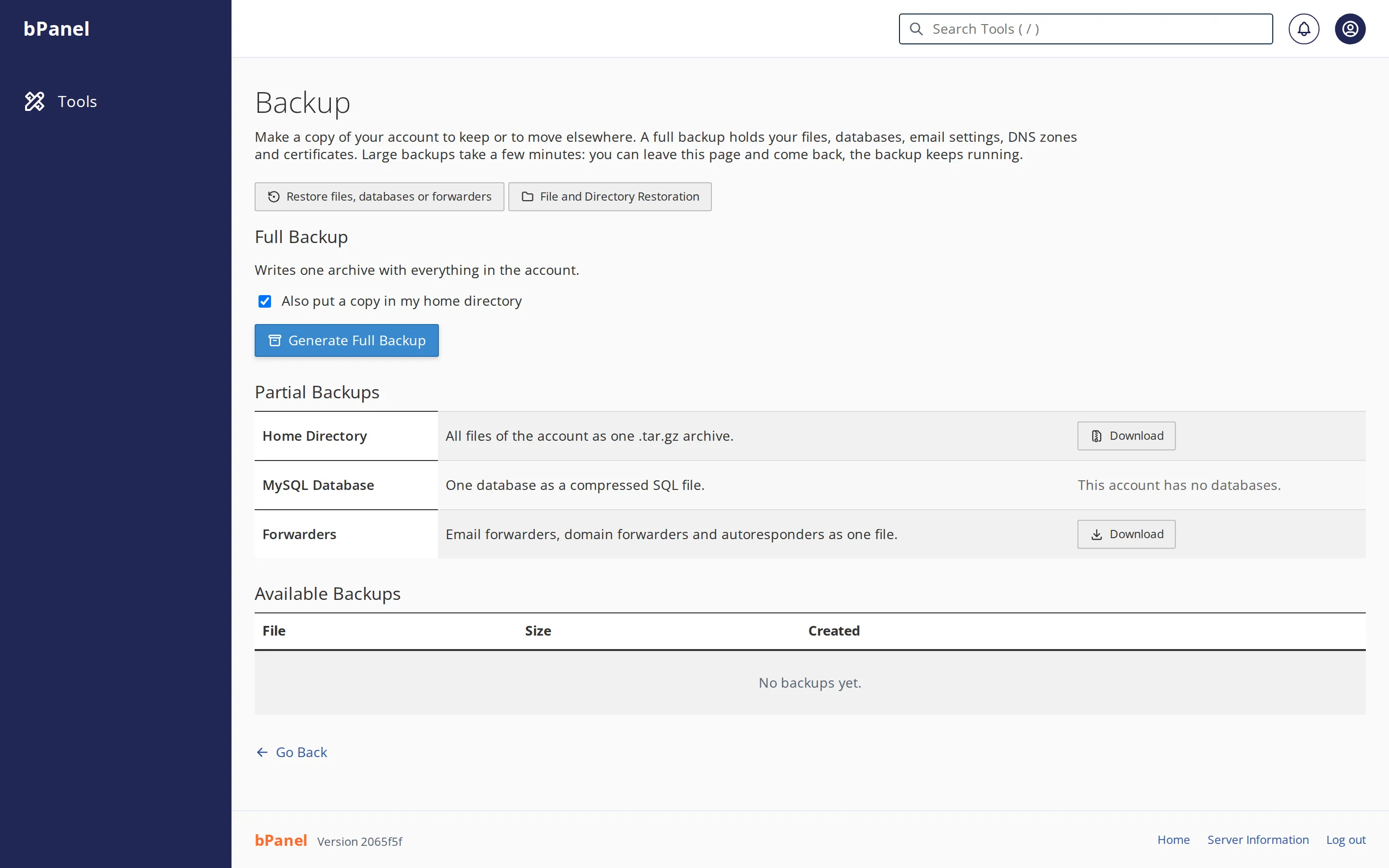
cPanel workflow. With cPanel you add a separate backup product to get scheduled, restorable backups.
bPanel. The backup engine is built in (Beta), with restore from the panel.
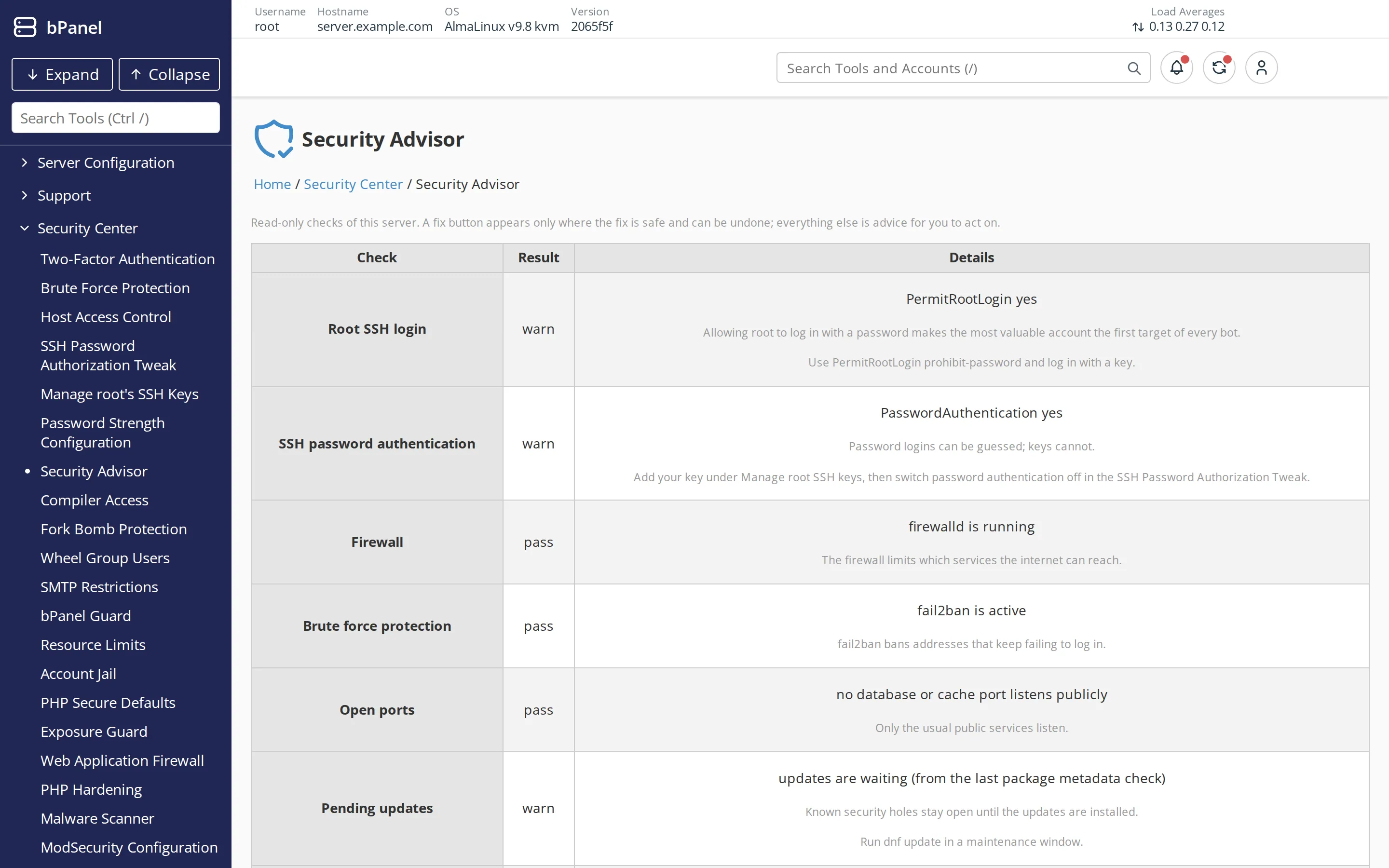
cPanel workflow. In WHM you check server security in Security Advisor, and add a separate product for malware scanning and a firewall.
bPanel. Same Security Advisor checks. bPanel Guard (firewall, WAF, malware scan, Beta) comes in the same licence.
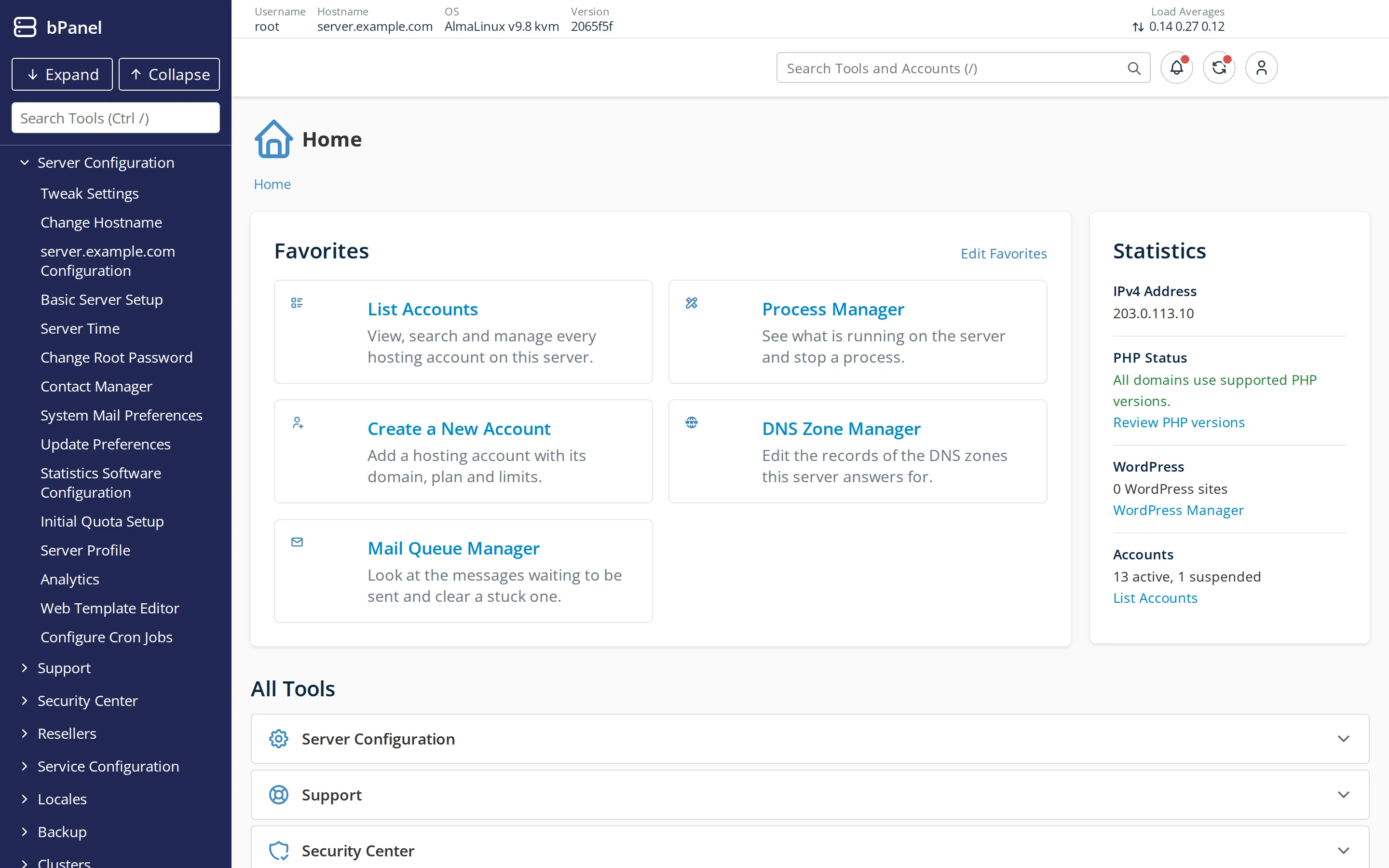
cPanel workflow. WHM groups server tools in a searchable side menu with favourites.
bPanel. BMH Manager keeps the same layout, so your admins find tools where they expect them. Coming from cPanel? The converter switches a server in place, with rollback.
The account panel your hosting customers use.
https://demo.getbpanel.com:2083 demoPlaceholder values until the demo opens.
The reseller view: packages, accounts and branding for your own customers.
https://demo.getbpanel.com:2087 demo-resellerPlaceholder values until the demo opens.
The server admin view: accounts, packages, backups and bPanel Guard.
https://demo.getbpanel.com:2087 demo-adminPlaceholder values until the demo opens.
Want it on your own server instead? Claim a free licence.
Free for 12 months for early adopters, then US$15 per server per month. Not a cPanel clone: the jobs of CloudLinux, JetBackup and Imunify360 are built in.